FEATURES
Built for people who work with numbers.
Everything you need to get numbers out of a document and into a usable calculation.
CAPTURE
Any visible application
Select numerical content from supported Windows applications, including Excel, PDF viewers, and browsers.
REVIEW
Confidence indicators
Green recognized values, purple double-check notices, and unreadable values that require review.
EDIT
Correct before using
Manually edit OCR results and include or exclude values without altering the original source.
MATH
Running totals and rounding
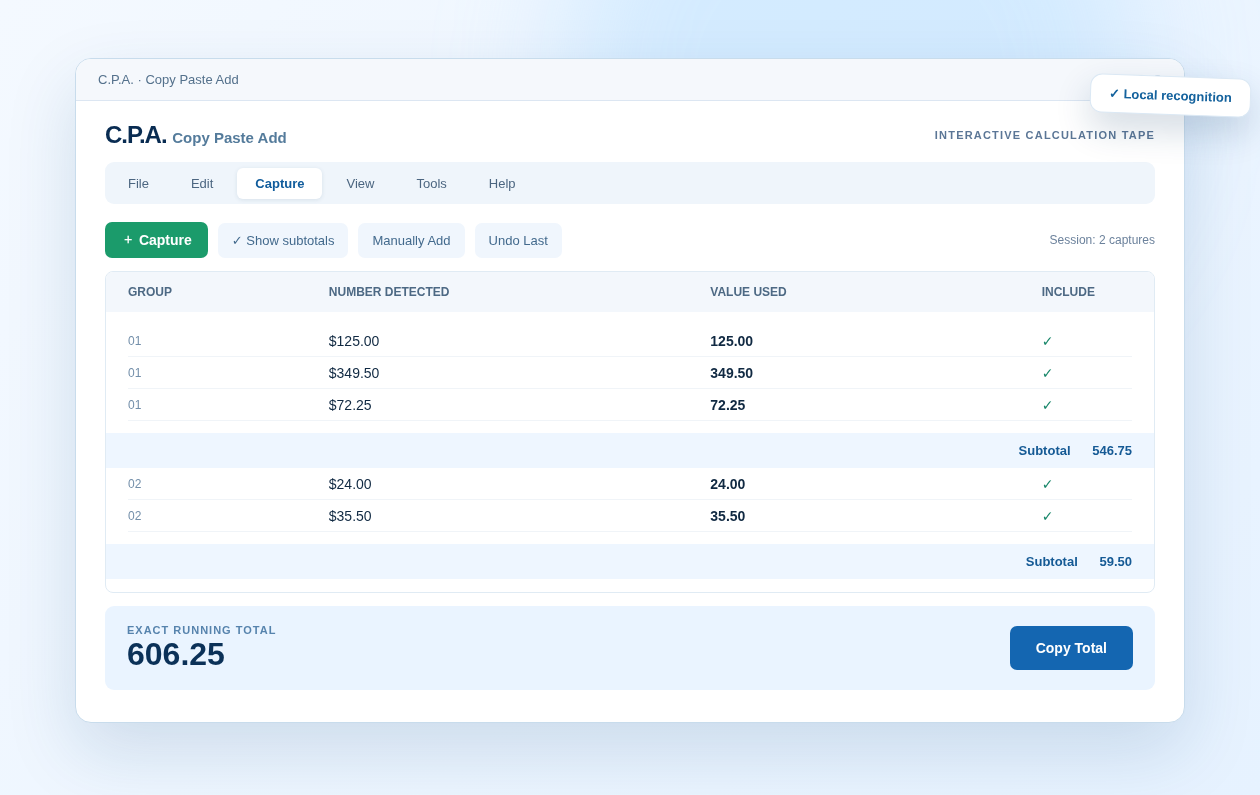
Add across multiple captures; use exact or rounded results with selectable rounding behavior.
TRANSFER
Excel-ready column or CSV
Copy raw numbers as lines or comma-separated values. Keep source separators out of the result.
RECORDS
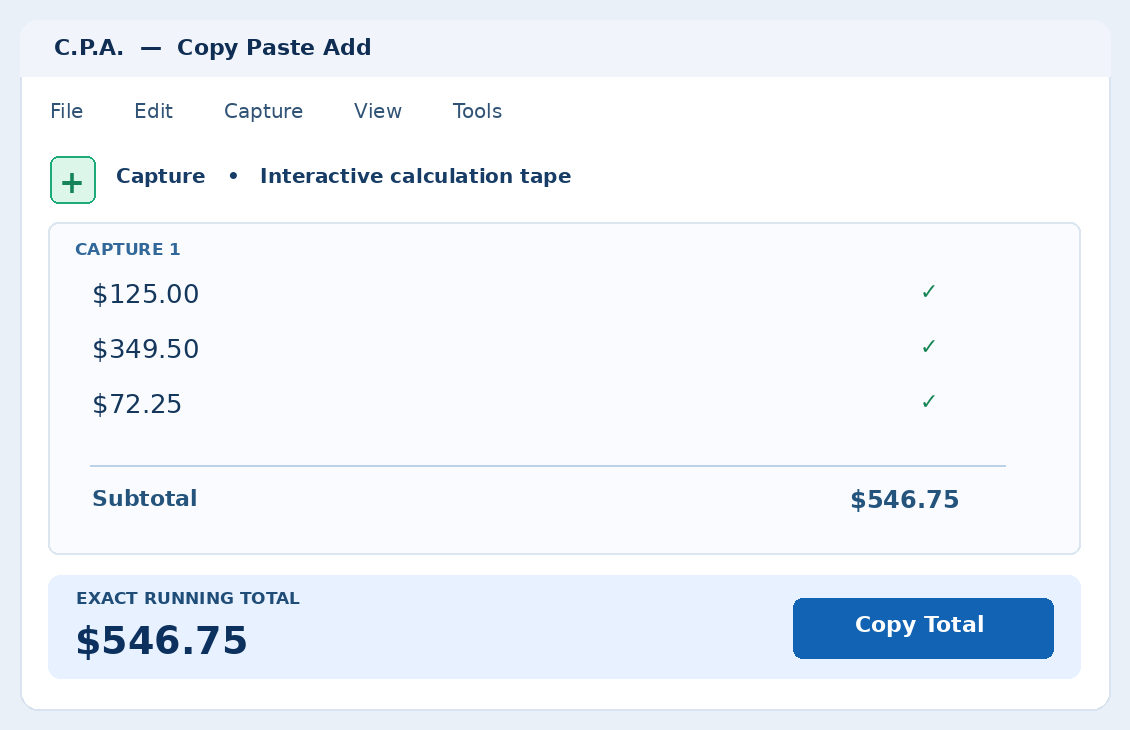
Calculation tape
Review your grouped calculations, optionally show subtotals, and prepare a PDF or printout.